Ash & Blood is an English, human-only Conan roleplay community on UE5. The application below is for players who want collaborative, story-first text RP in the Exiled Lands.
A focused five-chapter application for building a lore-grounded character, setting your boundaries, and arriving in the Exiled Lands with a story ready to play.
GuidedFive concise chaptersConsent-firstBoundaries stay explicitAutosavedDraft stays in this browser
Whitelist application
RP KnowledgeChapter 1 of 5
Chapter 1 of 520%
Step 1, Roleplay Knowledge
Roleplay Knowledge
These questions help our team understand your experience. Answer honestly, there are no wrong
answers.
Step 2, Character Introduction
Identity
Every exile has a name and a culture. Choose wisely, it shapes how others see you.
Character age must be at least 21.
Required portrait
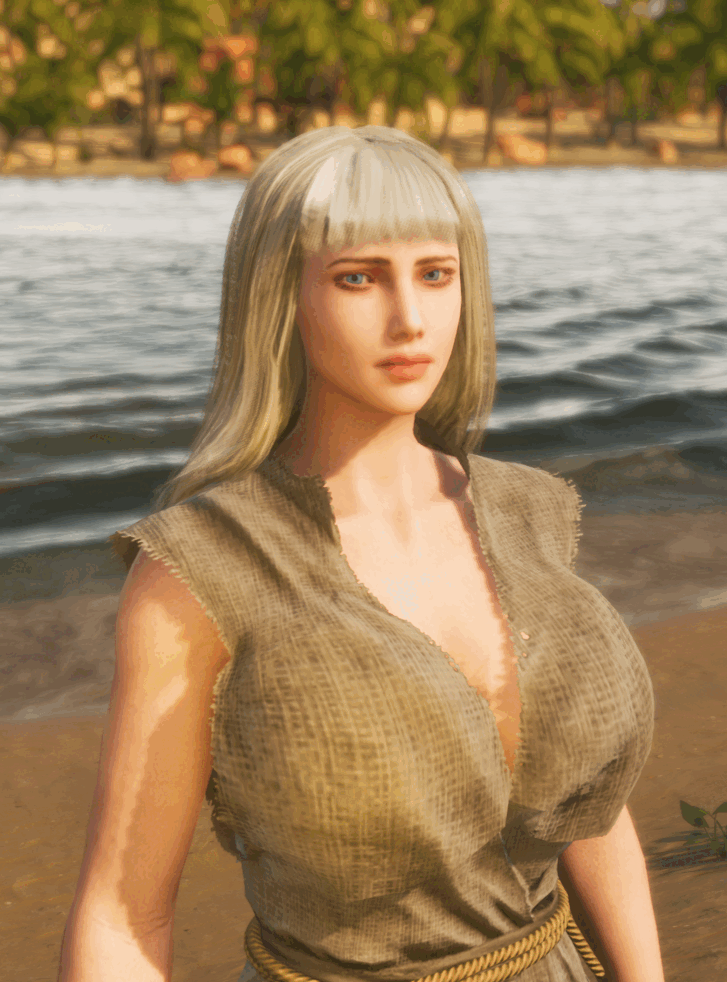
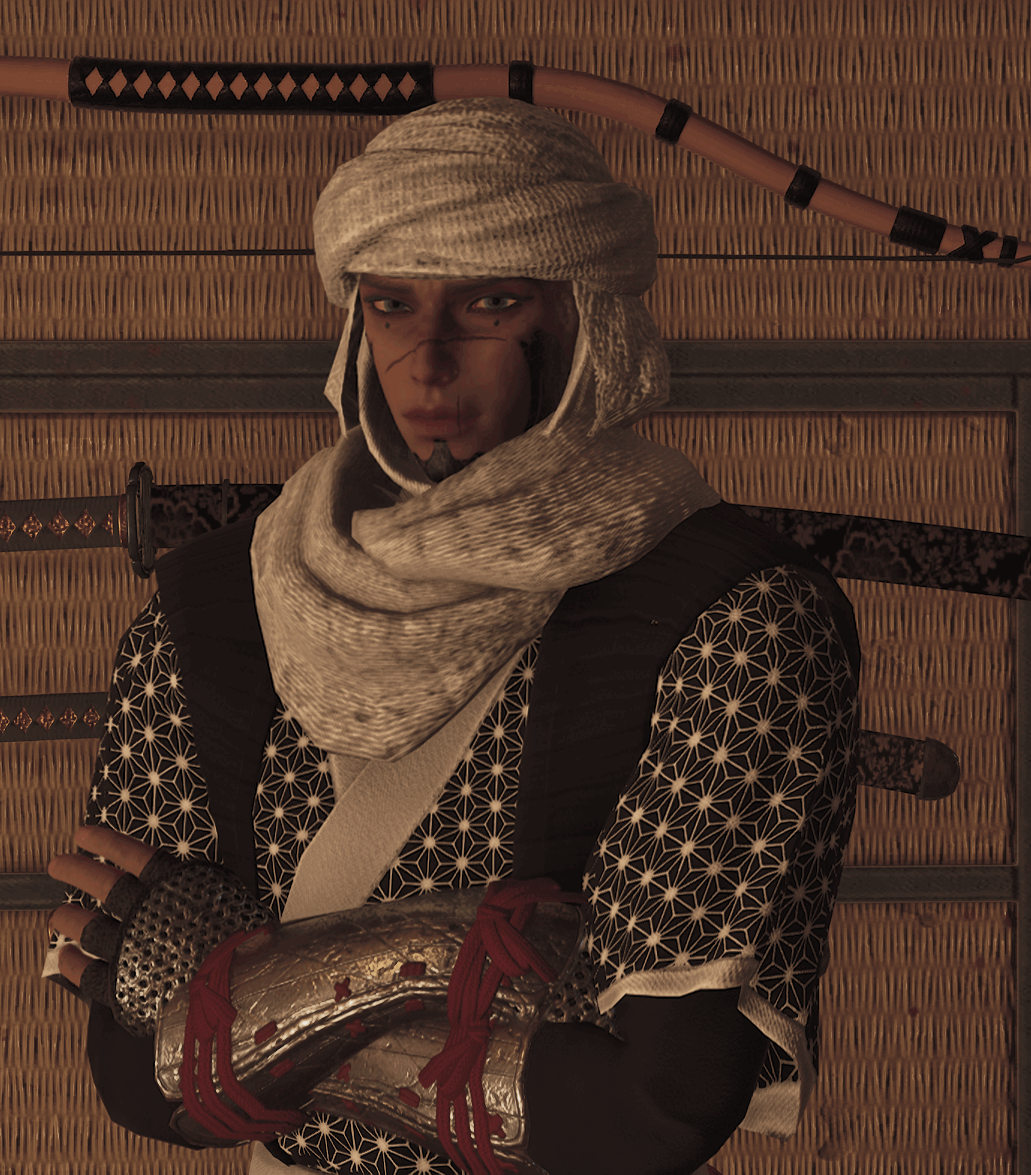
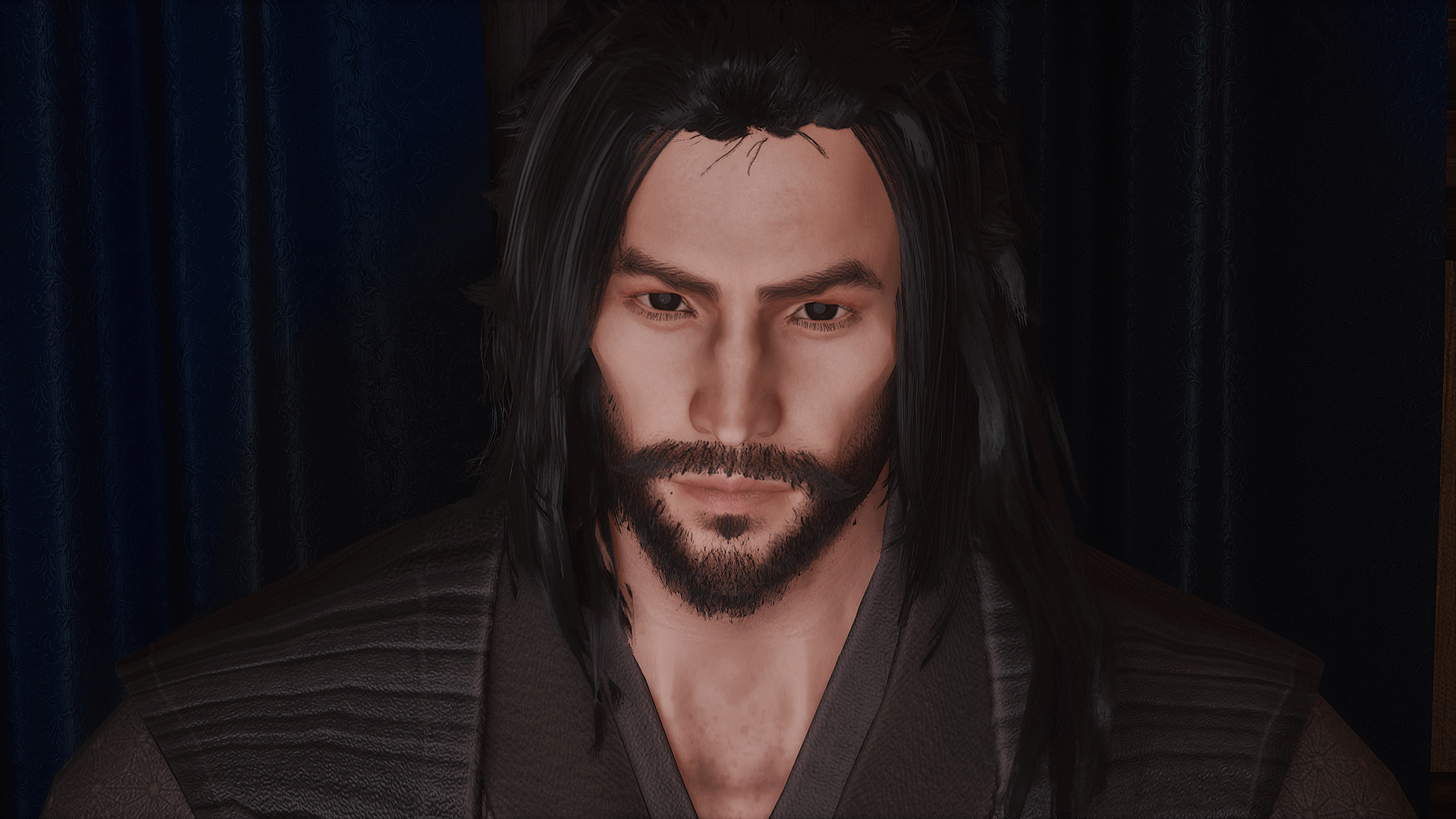
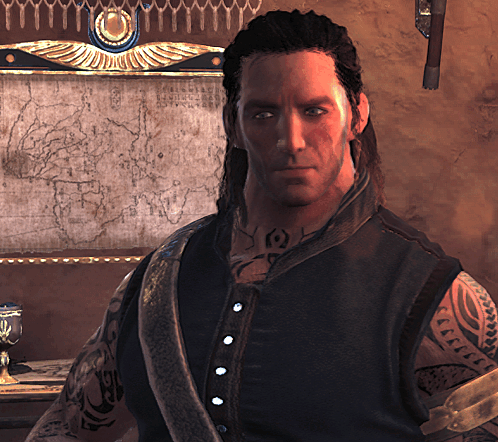
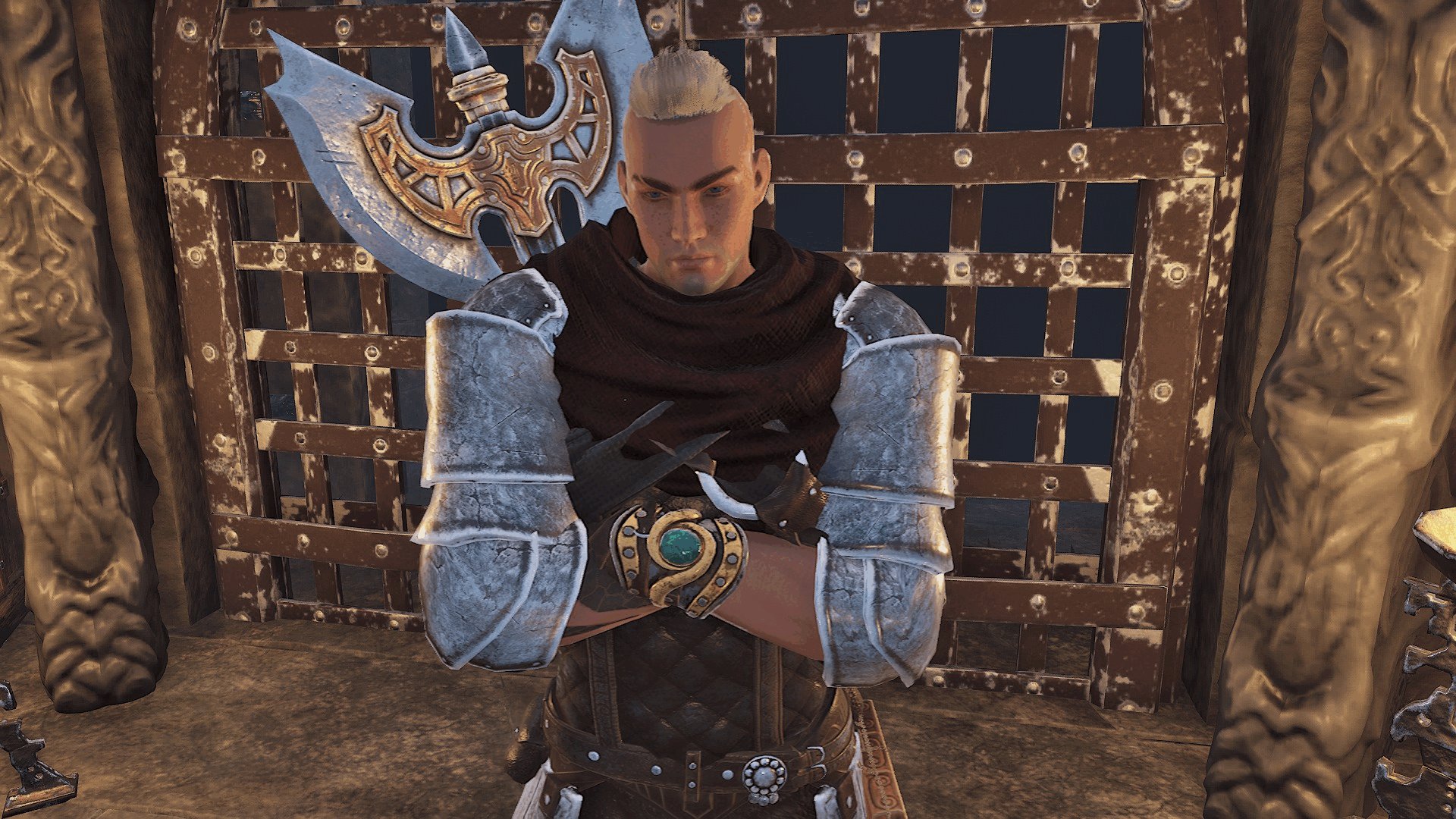
Character Portrait *
Your Whitelist ticket cannot be sent without a clear portrait of the character you are applying with.
Press CTRL+B in-game to open your photo/camera controls and frame the character cleanly.
Use a chest-up or waist-up composition with the face clearly visible. Avoid extreme FOV, UI clutter, heavy darkness, or the character being tiny in frame.
There are cultural areas outside the spawn room designed as themed backdrops. You are welcome to use the area that best fits your character's culture.
JPG, PNG, or WEBP · up to 20 MB. The website automatically compresses the portrait before it is attached to the Discord ticket.
Roster card previewExactly how the crop is used
No portrait selected. The card above uses the same cover crop as the public Character Roster.
Step 3, Consent Sheet
Consent Sheet
This protects you and other players. Be honest about your boundaries.
Torture *
Non-Consensual Sexual Themes *
Mutilation / Permanent Injury *
Step 4, Player Agreement
Backstory & Agreement
A short backstory and your agreement to our community standards.
Prompts: • Where were they born? • What
was their life before exile? • Why were they exiled? • What drives them now?
Player Agreements *
Whitelist Ready
Review & Send
Your application will be posted to Discord as three clean plain-text sections. If any section exceeds Discord's 2,000-character message limit, only that section continues into an extra reply.
Final stepSend your application to Discord
Your verified Discord account is linked automatically. Your portrait is attached to the Character & Consent section.
Keep this tab open until you see the green delivery confirmation.
Reply 2Character & ConsentYour required portrait is attached here.
Reply 3Backstory & AgreementsThe final application section.
Discord application preview
These are the exact plain-text sections the bot will post. Character counts below show whether Discord needs a continuation reply.
Reply 1
Roleplay Knowledge
Questions 1–7
0 characters
Reply 2
Character & Consent
Portrait attached to the first message in this section
0 characters
Reply 3
Backstory & Agreements
Final whitelist section
0 characters
THE EXILED LANDS // LIVE NOW
Create someone who belongs in a living world.
Use current Season 2 roster data as context while you build. See who has arrived recently, which cultures are active, and where your character can enter the story naturally.
A living character from the current roster. Open their public profile to see the biography, connections and player-maintained story details they have chosen to share.
A quick view of the cultures most visible in the current cast. Representation is context, not a recommendation. Follow the concept that fits your story.
11 lightly represented cultures4 origins with no current character
CULTURE ATLAS // CURRENT WORLD CONTEXT
Research an origin before you commit.
Compare current representation with concise lore notes and real-world reference points. Use the Atlas as a research aid, then make the character your own.
Selected in the creatorChoose a culture in Chapter 2 and its live roster context will appear here automatically.
 LIVE ROSTER